

Asset Downloads
This page provides unified guidelines for the usage specifications and download methods of 6MM Embedded Exchange visual assets, applicable to partners integrating 6MM perpetual contract trading capabilities via SDK / API.
This document combines asset specifications (sizes / formats / usage rules) and asset downloads (categories / previews / ZIP packages), allowing partners to complete the following within a single page:
- Review specifications
- Compare examples
- Download corresponding asset packages
All specifications are designed with embedded integration, cross-platform compatibility, and long-term maintenance as core objectives.

1. Logo Assets
Recommended Sizes (px)
Formats
- PNG
- SVG
Download
Download logo assets
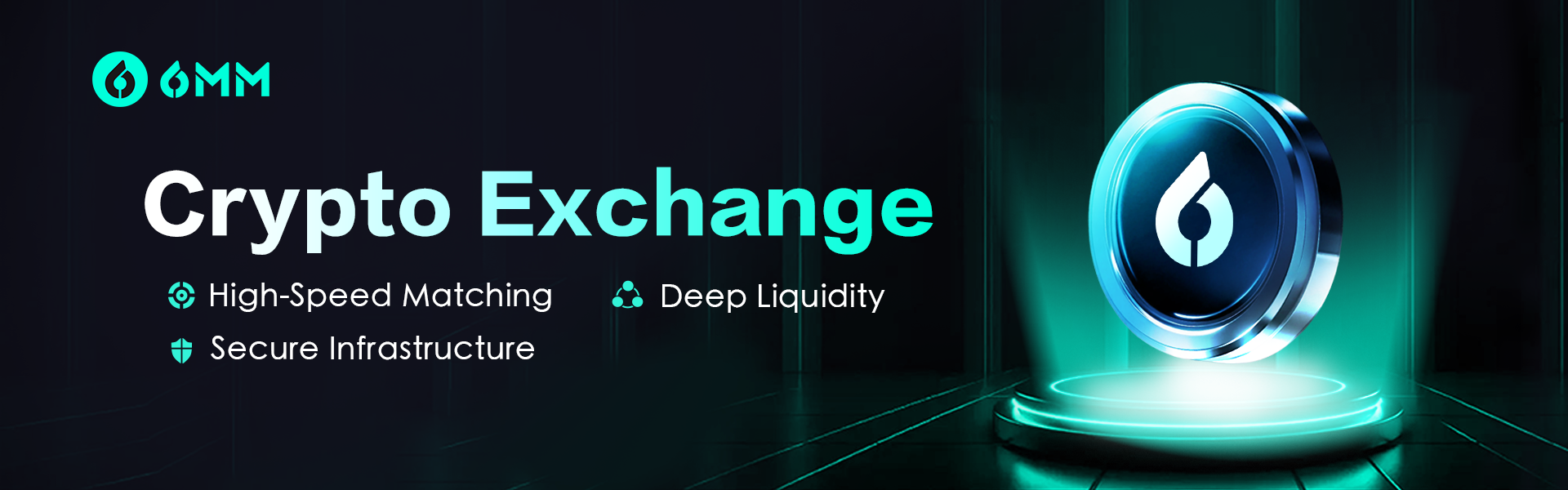
2. Entry Banners
Use Cases
- App homepage banners
- Web homepage hero banners
- Recommendation or campaign entry areas
Recommended Sizes (px)
Aspect Ratio Guidance
- Horizontal layout
- Recommended ratios: 4:1, 5:2, 3:1
Usage Rules
- Keep primary content centered
- Reserve ≥ 10% safe margin on both sides
- Avoid variable-length copy within the asset
Formats
- PNG
Download
Download English entry banner assets
Download Chinese entry banner assets

3. Card / Module Entries
Use Cases
- App homepage feature cards
- Web modular functional entries
- Trading feature blocks within content feeds
Common Ratios & Recommended Sizes (px)
Design Rules
- Center the primary visual
- Text areas must allow cropping
- Maintain ≥ 8% safe margin on all sides
- Do not rely on rounded corners or shadow effects
Formats
- PNG
Download
Download English card entry assets
Download Chinese card entry assets
4. General Usage Rules
- Prefer high-resolution or vector assets
- Avoid embedding fixed business logic or marketing copy within assets
- Assets should support dark mode environments
- Assets are limited to trading entry and interface assistance purposes
5. Versioning & Maintenance
- Asset sizes and specifications may be updated alongside product upgrades
- Partners are advised to use the latest asset packages
- Older asset versions are not recommended for new integrations
For special requirements regarding asset specifications or downloads, please contact 6MM official technical or business support.